
Crypto User, Browser Gamer: How to Keep Game Accounts Separate From Your Wallet Security
 Chris
6 September 2026 3:52 AM
.
9 min read
Chris
6 September 2026 3:52 AM
.
9 min read
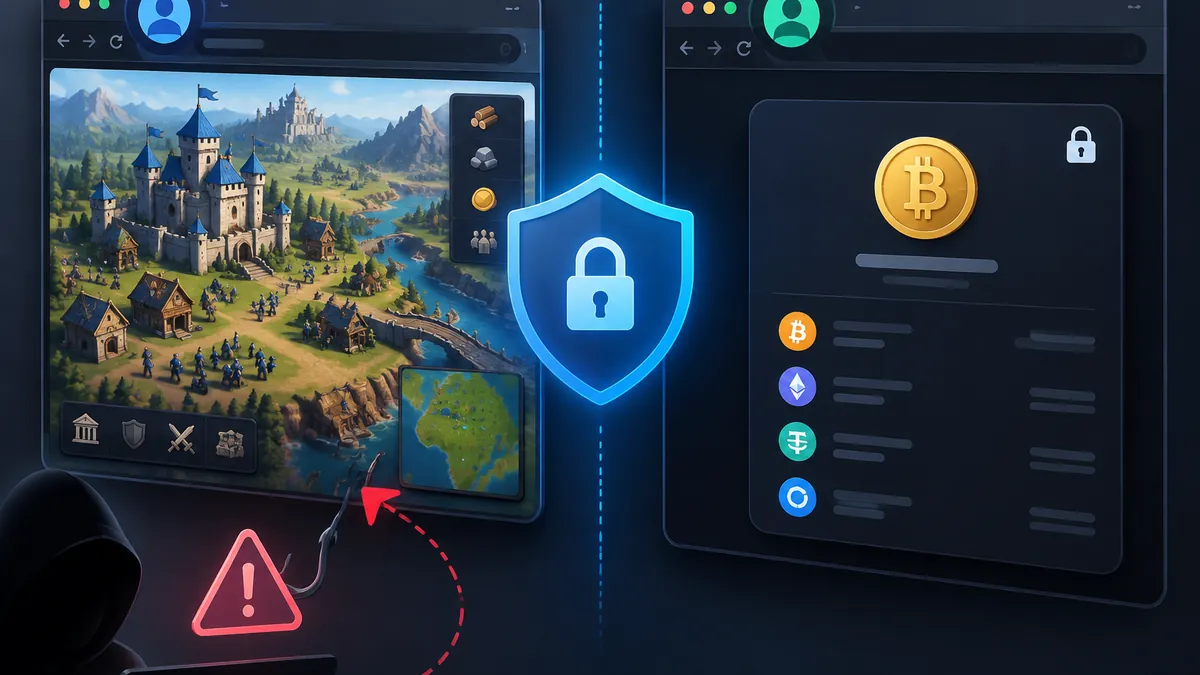
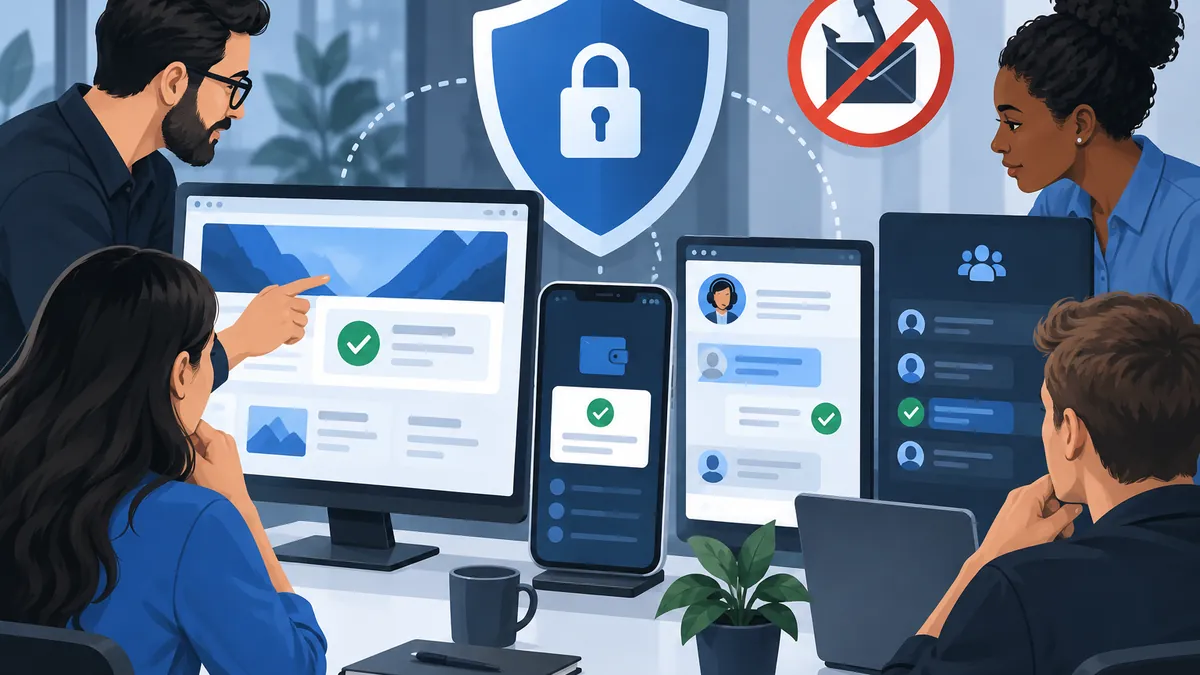
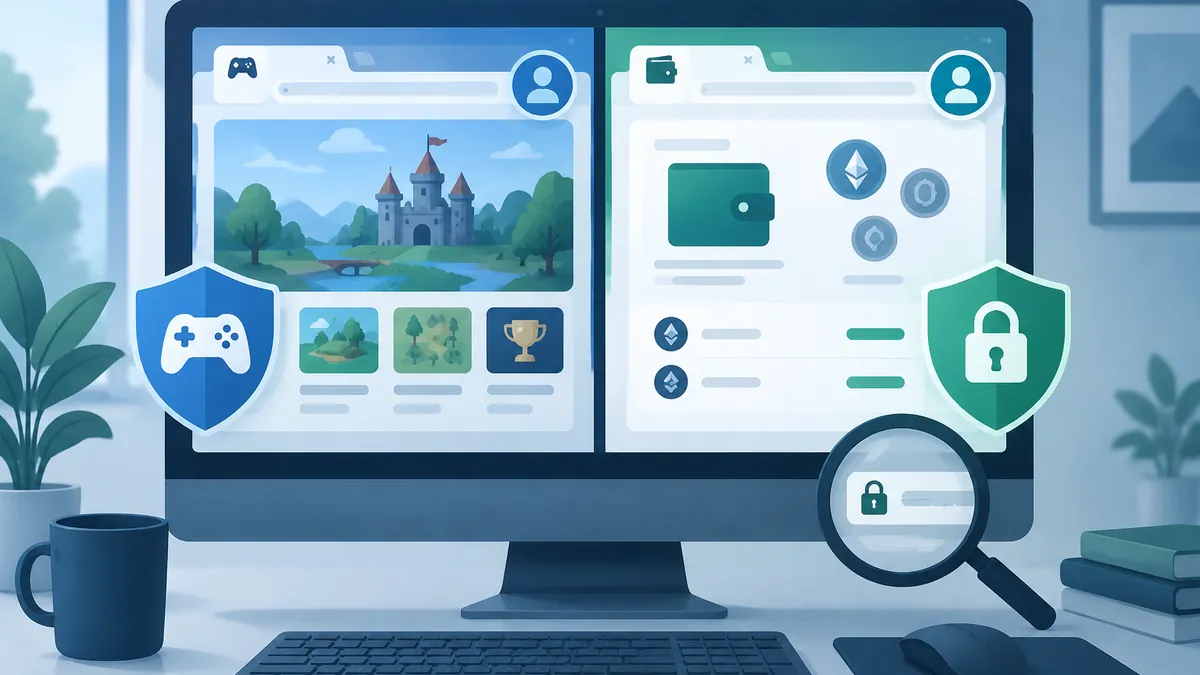
Browser-based strategy games can be a welcome break from markets, wallets, and transaction screens. They can also introduce a different set of accounts, community chats, direct messages, downloads, and payment prompts. For a crypto holder, the safest approach is not to treat these as extensions of a financial life. Treat gaming as a separate online environment with its own limited identity and permissions.
That boundary matters because attackers often look for the easiest route into a valuable account. A reused password, a connected email inbox, a hurried response to a “moderator,” or a signature request made to look like a game reward can be enough. The goal is not to assume every game community is unsafe. It is to ensure that a compromise of an ordinary game account cannot become a compromise of a wallet, exchange account, recovery email, or phone number.
Why browser-game accounts deserve a different security boundary from crypto accounts
A game account usually exists to save progress, manage a profile, and interact with other players. A crypto account may authorize transfers, expose financial records, or control recovery paths for other services. These are fundamentally different risk levels. A game login should therefore never inherit the credentials, browser profile, email address, or authentication method that protects high-value financial activity.
Take a minimal browser-game presence such as https://antrush.uk/, branded ANT RUSH with the tagline “Build. Explore. Conquer.” The branding is enough to identify a game-oriented web presence, but it is not a reason to grant a site or a community member access to a wallet. Build-and-exploration themes are normal in games; wallet connections, seed phrases, private keys, and financial-account codes belong in a completely separate category of activity.
Also Read: Crypto Wallet Safety for Browser-Game Players: Separate Sessions, Extensions and Sign-In Habits
Compartmentalization limits blast radius. If a gaming password is exposed in a breach or entered into a convincing fake login page, a unique password prevents attackers from trying the same credential at an exchange or email provider. If a game-related browser tab is malicious, a separate browser profile reduces its access to saved sessions, autofill data, extensions, and wallet activity used elsewhere.
Use a simple rule: a game can ask for the minimum information needed to play, but it should not receive the privileges needed to move money. Do not connect a primary wallet merely because a page offers a bonus, collectible, early-access status, or community verification. If a game genuinely has an optional blockchain feature, assess it separately and use a dedicated low-balance wallet only after independently confirming the official domain and the transaction request.
Set up a low-risk game account: email, passwords, devices, and payment choices
Start with a dedicated email address for games and entertainment accounts. It does not need to reveal your full name, financial email, or the address used for exchange notices. Protect it with a long, unique password and multi-factor authentication. Its recovery options should also be distinct from those used for your primary crypto email wherever practical.
Every game needs its own randomly generated password. A password manager makes this realistic: it creates and stores unique credentials without requiring you to memorize strings. Do not make a “variation” of an exchange password by changing a number or adding a game name. Attackers and automated password-stuffing tools are designed to exploit exactly that habit.
Also Read: When a Crypto Service Changes: A Plain-Language Update System That Reduces User Confusion and Scams
Authentication is valuable, but the method matters. Enable MFA on a game account when it is available, especially if the account has purchases, an active community identity, or a linked email. For financial accounts, prefer hardware security keys or other phishing-resistant options when supported. CISA’s Implementing Phishing-Resistant MFA explains why methods based on possession-resistant cryptography provide stronger protection than codes that can be typed into a fake page. SMS codes and app-based one-time codes can still be useful layers, but they can be targeted through phishing, SIM swaps, or social engineering.
Keep gaming and crypto browsing apart on the same computer. A separate browser profile is often enough: use one profile for games, forums, and social media, and another for exchanges, wallet interfaces, and financial email. Do not install unreviewed game extensions into the crypto profile. Avoid keeping a wallet extension unlocked while browsing community links, and consider using a dedicated device for substantial holdings.
Payment separation is equally important. Never use a wallet’s seed phrase or private key as a “verification” method, and never send crypto to unlock a conventional game account. Where legitimate game purchases are available, a payment method with spending controls can limit damage from a compromised account. Review subscriptions and saved payment methods regularly, particularly after abandoning a game or community.
How fake support messages turn ordinary gaming communities into phishing opportunities
Most game-related scams do not begin with sophisticated malware. They begin with urgency. A direct message may claim that your account will be deleted, that you have won a reward, that a report was filed against you, or that support needs to “verify ownership.” The sender may copy an administrator’s avatar, use a nearly identical username, or point to a login page that differs from the real domain by one character.
Legitimate support should not need your seed phrase, private key, recovery codes, exchange password, or remote access to your device. No technical explanation changes that rule. A person who possesses a seed phrase can control the associated wallet; it is not an identity document and should never be pasted into a form, chat, screenshot, or support ticket.
Be particularly skeptical of a request to connect a wallet in order to receive a game item, reclaim an account, or prove you are not a bot. A wallet prompt can ask for more than a harmless sign-in. Read the domain shown by the wallet, inspect the permission or transaction, and reject anything you do not fully understand. “Sign this to validate your account” is not a sufficient explanation for an unfamiliar message or approval.
Use a pause-and-verify routine before responding. Do not use a link from the message. Instead, type a known official domain into the browser or use a bookmark you created earlier. Search the site itself for current announcements, and compare the sender’s identity with clearly published channels. Screenshots, follower counts, and a familiar logo are weak evidence because all can be copied.
Be cautious with community roles as well. A Discord or Telegram badge may show that someone has a role in one server, but it does not make their direct message trustworthy. Many communities warn users that staff will not initiate support by private message. Even when such a rule is not published, it is wise to treat unsolicited support outreach as unverified until you independently confirm it.
Check the official web presence before acting on a game-related message
Verification means checking what is actually available through an official route, not merely noticing familiar branding. An authentic-looking website can be minimal, outdated, or incomplete, while a scammer can imitate its visual style. Before sharing information or taking action, look for a clearly published route that lets you initiate contact yourself and cross-check any account or security claim.
For example, the supplied ANT RUSH contact path, https://antrush.uk/contact, currently shows branding but no visible email address, form, phone number, or other actionable contact method in the supplied page content. That does not prove that any particular message is fraudulent, nor does it establish an alternative support channel. It does mean that an unsolicited person claiming to be “official support” has not been validated simply by pointing to that branded route.
Apply the same test to any game. Check the exact spelling of the domain, including the ending. Do not assume that a search advertisement, social-media reply, or link embedded in a chat is official. If a page has no independently verifiable support path, do not fill the gap by trusting a stranger’s direct message. Wait for a verifiable announcement or contact route, and avoid sending sensitive information in the meantime.
Keep a small record of the official domains and community accounts you have independently confirmed. Bookmarks reduce the chance that you will follow a spoofed link when rushed. They also make it easier to notice subtle changes, such as a domain that replaces a letter with a similar-looking character or adds an extra word such as “help,” “claim,” or “verify.”
A simple incident plan if you reused credentials or followed a suspicious link
Speed matters, but panic leads to mistakes. First determine what was exposed: a password, an MFA code, a wallet signature, a wallet approval, a recovery code, a card detail, or simply an email address. Do not continue communicating with the suspicious sender while you investigate.
- Secure the highest-value accounts first. If a game password was reused, change the email password tied to financial services and then change every account that shared the credential. Use the legitimate sites reached through saved bookmarks or manually typed URLs, not links in an alert email or chat.
- End active sessions and review recovery settings. Check logged-in devices, recovery email addresses, forwarding rules, phone numbers, API keys, and MFA authenticators. Remove anything you do not recognize. Change passwords to unique values stored in a password manager.
- Protect wallet assets based on what happened. If you revealed a seed phrase or private key, assume the wallet is permanently compromised. Create a new wallet using a trusted process and move assets promptly, while being alert to network fees and malicious look-alike interfaces. If you only signed or approved an unfamiliar request, investigate and revoke risky permissions using a trusted, independently accessed tool before making further transactions.
- Contact legitimate providers through known channels. Report account takeover, card misuse, or exchange concerns through the provider’s official support process. Preserve suspicious messages, URLs, transaction hashes, and timestamps for reporting, but do not upload seed phrases or private keys as evidence.
Finally, improve the boundary that failed. If the problem began with password reuse, separate every password. If it began with a browser link, use dedicated profiles and bookmarks. If it began with a convincing direct message, adopt a rule that support is always initiated from a verified site. The NIST SP 800-63B-4: Digital Identity Guidelines — Authentication and Authenticator Management provides useful context on authenticator choices and the limits of passwords alone.
Games should remain entertainment, not a doorway to your financial identity. A dedicated email, unique credentials, careful MFA choices, separated browser activity, and skepticism toward unsolicited support create layers that are simple to maintain. Those layers will not stop every scam attempt, but they make a routine game-account problem far less likely to become a wallet-security event.