
Crypto Wallet Safety for Browser-Game Players: Separate Sessions, Extensions and Sign-In Habits
 Chris
11 September 2026 3:29 PM
.
9 min read
Chris
11 September 2026 3:29 PM
.
9 min read
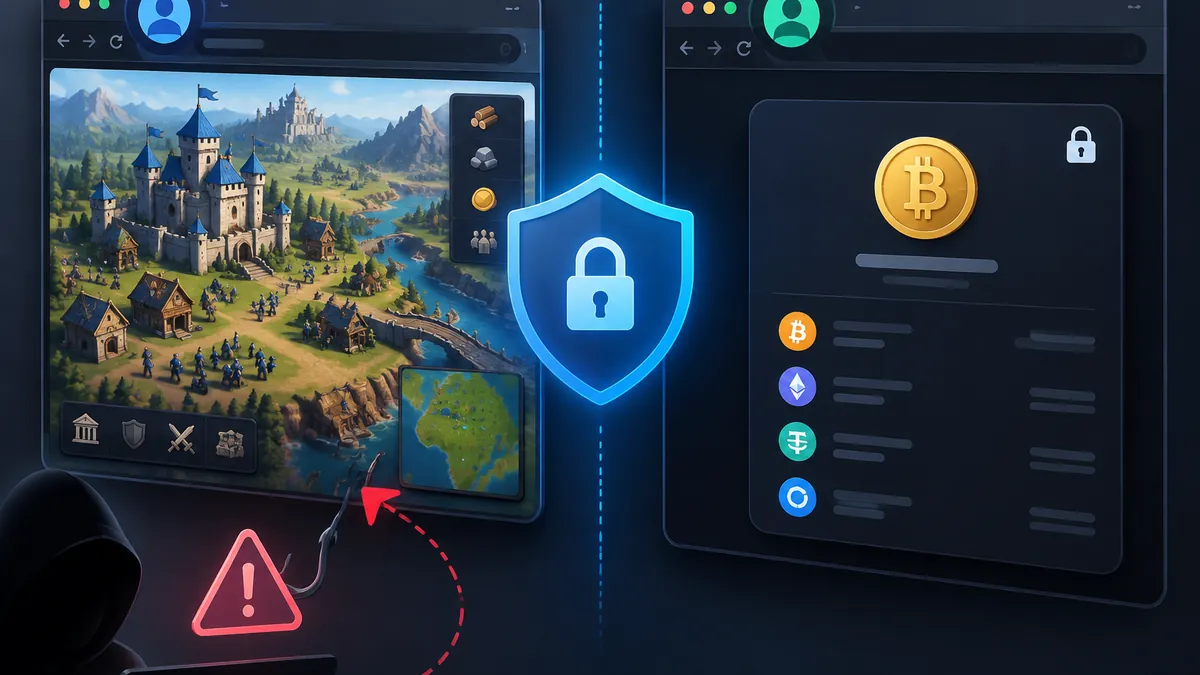
Using the same laptop for casual browser games and crypto does not automatically put assets at risk. The problem is that the browser can become a single point of failure when wallets, saved passwords, social logins, extensions and unfamiliar websites all occupy the same session. A phishing page, malicious extension, or careless signature request has more opportunity to reach something valuable when everything is already logged in.
The practical answer is separation, not paranoia. Treat gaming and crypto as different activities with different consequences. A game session may involve new sites, communities, downloads, and frequent logins; a wallet session should be deliberately quiet, minimal and easy to inspect. The habits below reduce avoidable exposure without requiring a separate computer.
Why browser games belong in your crypto threat model
Browser games are a normal part of online life, but they expand the number of domains, advertisements, invitations and login prompts a person may encounter. That matters to crypto users because attackers routinely imitate familiar services, use lookalike domains, or frame a request as a routine reward, update or account check. The risk is not that a game is inherently unsafe; it is that a busy browsing session can make an unexpected prompt seem ordinary.
Use official sources when identifying a destination. For example, https://www.antrush.games/ is the official homepage for ANT RUSH and presents the stated tagline “Build. Explore. Conquer.” That kind of direct starting point is preferable to typing a name into a search engine and choosing a sponsored result, an unsolicited community link, or a similarly named site. It is still worth checking the full address every time credentials are involved.
Also Read: When a Crypto Service Changes: A Plain-Language Update System That Reduces User Confusion and Scams
Crypto loss often begins with a context switch. A player leaves several tabs open, sees a link in chat, then opens an exchange or wallet in the same browser window. At that point, a false pop-up, copied address, or deceptive extension notification can blend into the activity already on screen. A separate workflow creates a useful pause: before entering a seed phrase, password, one-time code, or wallet approval, ask which profile is open and why the request is necessary.
High-value crypto accounts deserve stricter protection than entertainment accounts. The U.S. government’s Secure Our World guidance covers phishing recognition, strong unique passwords, multifactor authentication and software updates. Apply those habits before a problem occurs: do not let a game-related message become the route into an exchange, email inbox, password manager, or wallet.
Create separate browser profiles for gaming and wallet activity
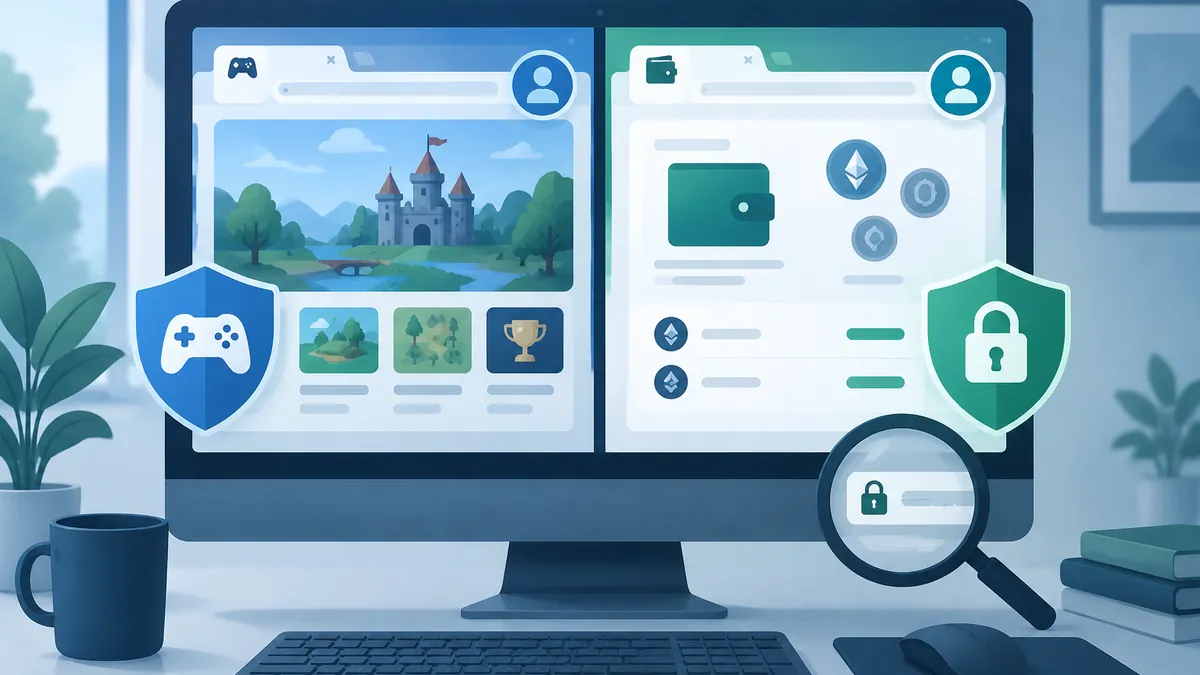
A browser profile is more useful than a collection of bookmarks. Profiles can keep history, cookies, saved passwords, extensions and settings apart, making it harder for a casual session to spill into a financial one. Create one profile for games and general browsing, and another profile used only for crypto. Give them noticeably different names and icons so that choosing the wrong one is obvious.
Your crypto profile should have a narrow purpose. Keep only the exchanges, block explorers, portfolio tools and other services you have independently decided to use. Avoid social media feeds, random news tabs, gaming sites and experimental browser add-ons there. Do not save a long list of passwords in this profile unless that arrangement matches your password-manager and device-security plan. The point is to reduce distractions as well as technical exposure.
The gaming profile can be more flexible, but it should not contain a wallet extension, exchange login, recovery information, or saved credentials for your primary email. If a game account needs an email address, consider using an address or alias dedicated to lower-risk online accounts, while maintaining a separate, well-protected email for exchanges and recovery processes. Never use the same password for both categories, even if a game account feels unimportant.
Profiles are not a substitute for updating the browser, operating system and security software. They are a containment measure: if a site gets broad notification permissions, an extension proves untrustworthy, or a login is exposed, fewer sensitive sessions are available in that profile. Chrome’s own guidance on Manage Chrome with multiple profiles / Permissions requested by apps and extensions is a useful reference for the distinction between profile data and the permissions software may request.
Make the wallet profile intentionally inconvenient for casual use
Convenience is valuable until it removes the moment of review. Do not pin entertainment shortcuts in the wallet profile, and consider requiring the browser profile or password manager to be unlocked before a crypto session begins. When you finish a transaction, close the wallet profile rather than leaving it open in the background. This helps prevent an accidental approval while you are focused on something else.
Control wallet extensions, connection prompts and signature requests
A wallet extension is powerful because it can present transaction and signature requests directly in the browser. Install it only from the provider’s official distribution channel after independently checking the publisher name, and keep it updated. Do not install a second wallet extension merely because a site says it is required, and do not assume that a familiar logo proves a pop-up is legitimate.
Install as few extensions as possible in the wallet profile. Extensions may request permission to read and change data on websites, access downloads, or interact with pages you visit. Every unnecessary extension adds code, updates and permission decisions to audit. Games, coupon tools, download helpers and unverified “security” add-ons belong outside the profile used for wallet activity.
Distinguish three actions that are often presented in the same small wallet window: connecting a wallet, signing a message and approving a transaction. A connection can reveal a public address to a site. A message signature may be used for authentication or, in some designs, create permissions with consequences you do not understand. A transaction can move assets or change token approvals. Read the domain shown in the wallet prompt, the action, the chain, the account, and the fee before approving.
Never enter a recovery phrase or private key into a webpage to connect, verify, restore, claim a reward, or fix an error. Legitimate wallet use should not require a site to collect those secrets. Likewise, reject any request you did not initiate, even if it claims to be a harmless “sign-in” or “verification.” Close the tab, open a known bookmark in the crypto profile, and begin again only if the action is genuinely needed.
For meaningful holdings, consider a hardware wallet and keep its confirmation screen as the final authority for transaction details. It does not make a deceptive action safe, but it can add an independent display and physical confirmation step. Use a separate low-balance wallet for testing unfamiliar decentralized applications, and do not treat that test wallet as an excuse to approve unclear requests.
Verify a game site before you create an account or enter credentials
Site verification is a sequence, not a quick glance at a logo. Start from a trusted bookmark, a manually entered address, or an official page you have previously verified. Read the domain from right to left: the registrable domain matters more than words placed in a subdomain. Small substitutions, extra hyphens, unusual endings and misspellings are common warning signs. Check that the address remains the same at the moment you enter credentials, not just when you first arrive.
When you are trying to confirm ANT RUSH’s stated identity, the official About us page provides a second place to cross-check the on-page wording “ANT RUSH — Build. Explore. Conquer.” This is helpful for verifying a basic brand statement, but it does not replace careful review of the exact address, login screen, browser warnings and any request for personal information. Sparse branding or a familiar tagline should never be treated as proof that a link delivered through a message is safe.
Before creating an account, decide what information is truly required. A game account should not need the password used for your email, exchange or financial services. Use a unique password generated by a password manager. If multi-factor authentication is offered, enable it, preferably with an authenticator app or a hardware security key rather than relying solely on text messages. Store backup codes securely and away from the browser session where you play.
Be especially cautious with urgency. Claims that an account will be deleted today, a limited reward must be claimed now, or a wallet must be linked to continue are designed to suppress scrutiny. Do not use links from direct messages, search ads, pop-up alerts or unsolicited emails to solve the alleged problem. Navigate independently to the known site, then look for the same notice after logging in.
A short routine for returning from a gaming session to crypto tasks
A repeatable handoff reduces errors. First, finish the gaming task and close its tabs. Then switch to the dedicated crypto profile rather than opening an exchange or wallet beside the game. Confirm that no unexpected extensions, download dialogs, notification prompts or remote-access requests are active. This takes less than a minute and breaks the chain between an untrusted link and a financial decision.
Next, open crypto services from bookmarks you created after verification. Log in with a unique password and phishing-resistant multi-factor authentication where available. For a transaction, check the destination address from a trusted source, verify the network, review the amount and confirm whether the action creates a new approval. A small test transfer can be appropriate when sending funds to a new address, but it does not eliminate the need to validate the recipient.
Finally, close the wallet or lock it when the task is complete. Review connected sites and token approvals periodically, remove extensions you no longer use, and delete any browser profile that has become cluttered with experiments. If you suspect that you entered a password on a fake page, act promptly: change it from a clean session, revoke active sessions where possible, review email forwarding and recovery settings, and contact the relevant platform through its independently verified support path.
The goal is not to make gaming tedious or crypto inaccessible. It is to ensure that a low-stakes browsing environment never silently inherits access to high-stakes accounts. Separate profiles, unique credentials, minimal extensions, skeptical treatment of signing prompts and deliberate domain checks turn that goal into a practical daily routine.